Summary:
Datasite Diligence is a well-known virtual data room for M&A due diligence, but its unpublished pricing and enterprise-heavy design don't fit every deal team. This guide covers ten real alternatives, comparing pricing, G2 and Capterra ratings, features, and honest pros and cons for each. Digify leads the list thanks to persistent file protection that stays active even after a document is downloaded, a level of control most competitors, including Datasite, don't offer. Whether you need flat-fee pricing, faster setup, or tighter post-download security, there's an option here that fits your deal.
Overview
Datasite Diligence is one of the best-known virtual data rooms in M&A, but it isn't the only option, and it isn't always the right fit. Its enterprise pricing model isn't published, its feature depth is built around large deal teams, and plenty of dealmakers are looking for something simpler, more transparent, or more secure once a document leaves the room.
This guide breaks down ten alternatives worth considering, starting with Digify, the platform that takes document protection a step further with persistent file control that follows a file even after it's downloaded. For each option, you'll find real pricing, G2 and Capterra ratings, key features, and honest pros and cons pulled from verified vendor and review sources.
A virtual data room (VDR) is the digital vault dealmakers rely on to organize, share, and control sensitive documents during mergers and acquisitions, fundraising, audits, legal proceedings, and other high-stakes transactions. Datasite Diligence built its name serving investment banks, private equity firms, and corporate development teams that need enterprise-grade security and AI-assisted workflows for large, complex deals.
But Datasite isn't the only serious player in this space, and it isn't always the best-suited one. Some teams need simpler setup and flat-fee pricing. Others need tighter document control that persists after a file leaves the platform. Others are running smaller deals and don't want to pay for enterprise-scale infrastructure they'll never fully use.
The ten platforms below all compete directly with Datasite for M&A due diligence, fundraising, legal transactions, and secure document sharing, and each has a real track record on G2 and Capterra to back it up.
Table of Contents
How We Chose the Top 10
We narrowed the field to platforms that genuinely compete with Datasite Diligence for the same use cases: M&A due diligence, fundraising, audits, legal transactions, and secure deal-document sharing. Here's how we evaluated each one.
Review presence and credibility. Every platform on this list has an active, verifiable presence on G2 and Capterra, so ratings reflect real user experience rather than marketing claims.
Feature overlap with Datasite. We prioritized tools offering the same core workflows dealmakers expect (permissions, Q&A, redaction, audit trails, and secure sharing) rather than adjacent products that only touch part of the deal lifecycle.
Pricing transparency. Where a vendor publishes pricing, we pulled it directly from their pricing page. Where pricing is quote-only, we say so rather than guessing.
Breadth of use case. We looked for platforms serving investment banks, private equity, corporate development, and legal teams, the same buyer base Datasite targets.
Disclaimer: The content provided is based on information available on the internet at the time of publication. While we strive to ensure accuracy, information may change over time. We do not guarantee the completeness, accuracy, or timeliness of the content, and we are not responsible for any changes, errors, or omissions.

1. Digify
Digify is a secure document sharing and virtual data room platform built for teams that need to control a file long after it leaves their hands. It's used for fundraising, due diligence, and any scenario where sensitive documents get shared with people outside your organization.
What sets Digify apart from most of the names on this list is persistent file protection even after download: access controls, expiry, and revocation stay attached to a document instead of disappearing the moment someone saves a copy to their desktop. That single difference matters enormously in deals where a document might get forwarded, leaked, or simply forgotten about on someone's laptop for years.

Key features
- Persistent file protection that stays active even after a document is downloaded
- Granular access control (view-only, print, download, and forward permissions)
- Remote revoke: cut off access to a file at any time, even after it's left your systems
- Customizable dynamic watermarks
- Screen Shield to block screenshots and screen recordings
- Document expiry dates and self-destruct rules
- File analytics showing who viewed, printed, or downloaded a document, and when
- Bank-grade encryption
Pros
- Protection persists after download, which most VDR competitors simply don't offer
- Transparent, published pricing with no sales call required to see the numbers
- Fast setup: rooms can be created and shared in minutes
- Strong file-level analytics that make it easy to see real engagement, not just room activity
- Consistently praised on both G2 and Capterra for ease of use
Cons
- Some G2 reviewers note that a handful of advanced settings are not immediately obvious and take a bit of digging to find
- Performance can slow down with very large files, according to a subset of reviews
- Smaller deal teams sometimes want more built-in project management features than a pure document-control tool provides
- Enterprise pricing requires a sales conversation rather than a published number
On G2 and Capterra, Digify's reviewers consistently point to the same thing: the platform does exactly what it says it will do, and the file-level control is the reason they keep coming back for repeat deals.
Customers cited in Digify's own case studies, including Savoir and Quincus, echo that sentiment: the appeal isn't flashy extras, it's dependable control over who can see, print, or keep a document.
Pricing: Pro plan starts at $140/month; Team plan at $350/month; Enterprise is custom.
Best for: Teams that need secure document sharing, VDRs, and document tracking with protection that continues after a file is downloaded, ideal for fundraising, diligence, and sensitive external collaboration.
G2 rating: 4.6/5 (105 reviews)
Capterra rating: 4.9/5 (174 reviews)
2. Ideals Virtual Data Room
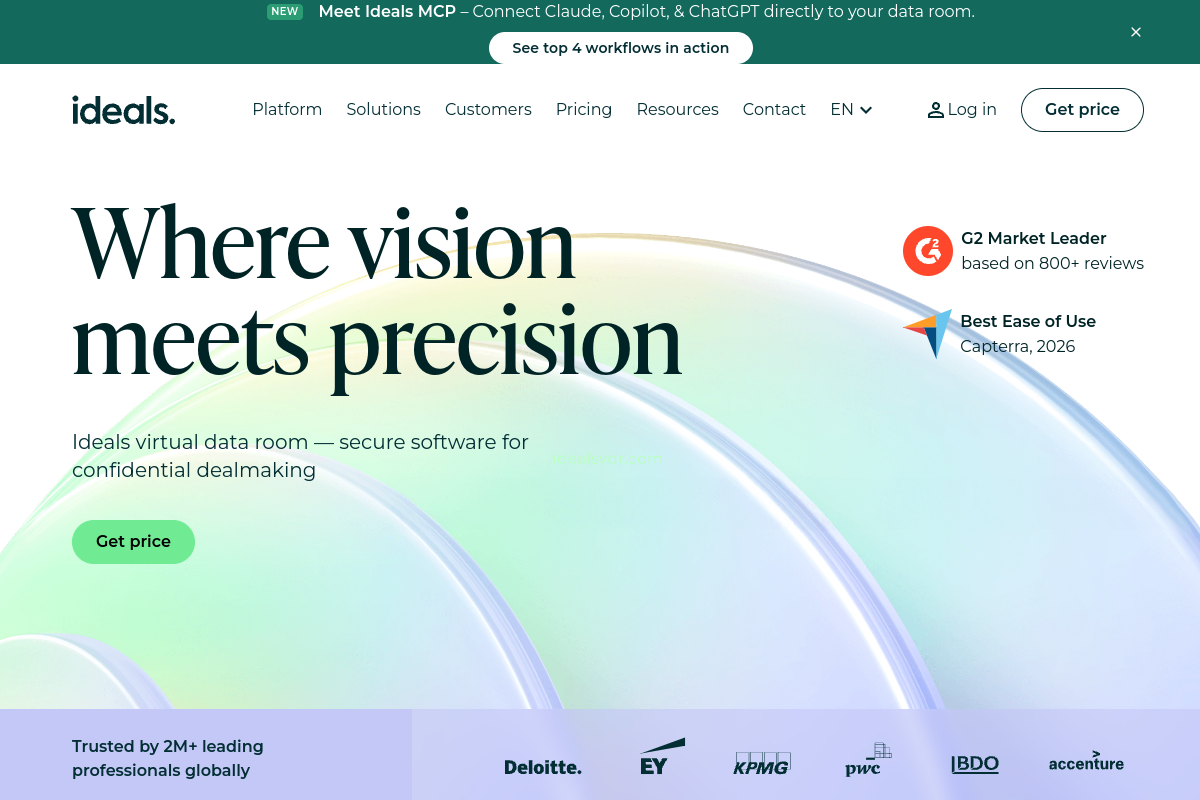
Founded in 2008, Ideals has grown into one of the most reviewed VDR providers in the industry, with offices spanning London, New York, Singapore, Sydney, Hong Kong, São Paulo, and Kyiv. The platform is built for deal teams running M&A, fundraising, real estate transactions, and confidential file sharing who want a purpose-built room without a steep learning curve.
Ideals says more than two million customers have used its platform, and its review volume on G2 and Capterra is among the highest of any VDR on this list, which gives buyers an unusually deep well of feedback to evaluate before committing.
Key features
- Granular, role-based permissions
- Two-factor authentication
- Penandaan air dinamis
- Detailed audit trails
- Full-text search across documents
- Non-technical, self-service setup
Pros
- Higher G2 rating and a substantially larger G2 review count than Datasite Diligence in the VDR category
- Reviewers repeatedly highlight fast, straightforward setup
- Strong reputation for usability across non-technical users
- Global support footprint across multiple time zones
Cons
- Capterra reviewers mention occasional support delays
- Some language-availability limitations noted in reviews
- A subset of users report initial confusion managing complex permission structures
- Exact starting price isn't published; you need to go through the trial/quote flow to see numbers
Capterra reviewers frequently describe Ideals as one of the easiest data rooms to get a deal team up and running in quickly, while a smaller group flags that permission management takes some getting used to on larger, multi-party deals, feedback that's consistent across both review platforms.
Pricing: Custom / contact sales. A free trial is available but exact starting price isn't published.
Best for: Deal teams that want a highly reviewed, purpose-built VDR for M&A, fundraising, real estate, and confidential file sharing.
G2 rating: 4.7/5 (847 reviews)
Capterra rating: 4.8/5 (318 reviews)

3. Firmex Virtual Data Room
Firmex is a Toronto-based VDR provider that was actually acquired by Datasite in 2021, making it an interesting alternative that now shares some corporate DNA with the platform it competes against. It's aimed at mid-market and recurring deal teams handling M&A, due diligence, compliance, and litigation, with a strong emphasis on security certifications like SOC 2, GDPR, and HIPAA.
Firmex has built a loyal customer base among teams that run deals often enough to value consistency and responsive support over flashy new features.

Key features
- Secure document sharing with granular permissions
- Full activity tracking and reporting
- SOC 2, GDPR, and HIPAA compliance
- SSO and API integrations
- Built-in redaction tools
Pros
- Capterra rating and review count are higher than Datasite's own Capterra listing
- Reviewers frequently call out responsive, helpful customer support
- Solid compliance credentials for regulated industries
- Flexible subscription or transaction-based pricing models
Cons
- G2 reviewers mention slower navigation in very large folder structures
- Some onboarding adjustment needed to master permission settings
- Limited dashboard and reporting customization compared to newer entrants
- No published pricing; everything runs through a sales conversation
Firmex's Capterra reviews lean heavily positive on support responsiveness, with several users noting that questions get answered quickly even outside of standard onboarding. G2 feedback is a bit more mixed on performance at scale, particularly for rooms with thousands of files.
Pricing: Custom / contact sales.
Best for: Mid-market and recurring deal teams needing VDRs for M&A, due diligence, compliance, litigation, and corporate transactions.
G2 rating: 4.6/5 (93 reviews)
Capterra rating: 4.8/5 (356 reviews)

4. Ansarada
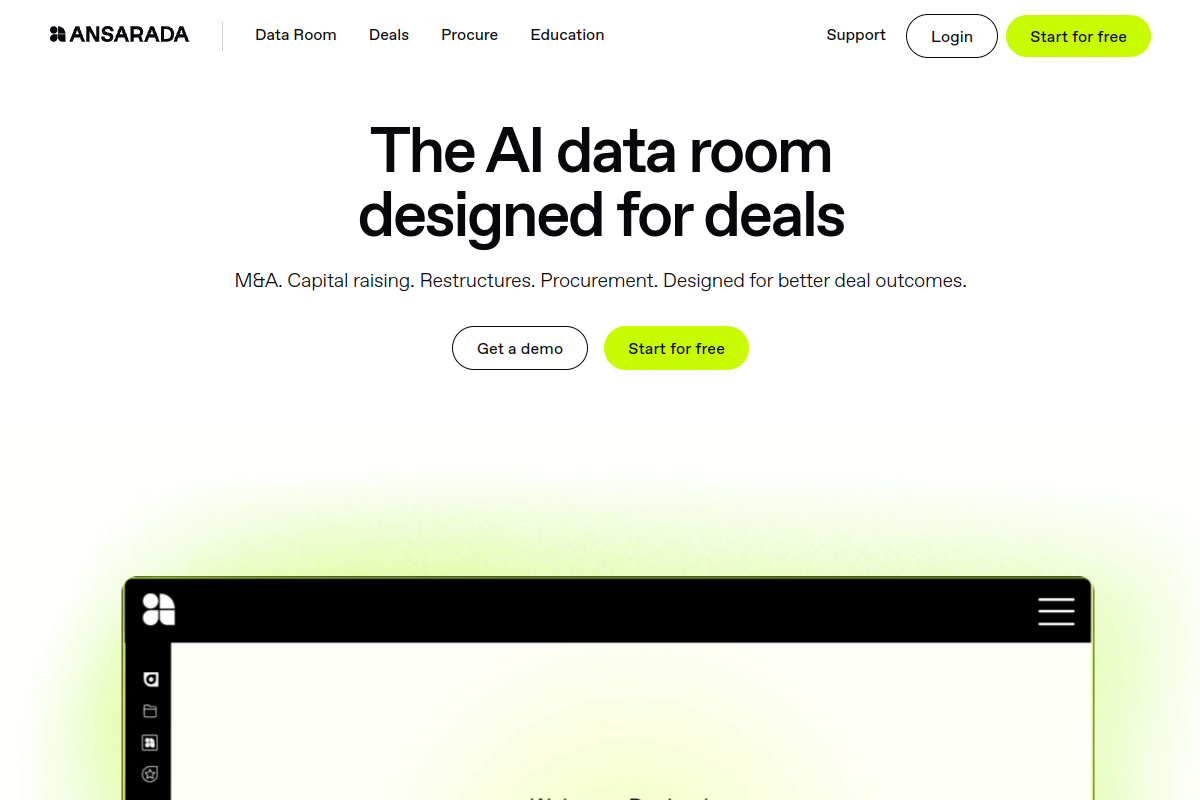
Ansarada is an Australian VDR provider founded in 2005 and based in The Rocks, Sydney, and, notably, it was also acquired by Datasite, in August 2024. It's built for M&A, capital raising, and asset sales, with a pricing model that leans more transparent than most enterprise VDRs: storage-based tiers that are published online rather than locked behind a sales call.
Ansarada also positions unlimited users as a standard feature, which appeals to deals with large bidder pools or big stakeholder groups who all need access without per-seat costs stacking up.
Key features
- AI-powered automation for deal workflows
- Bank-grade security
- Unlimited users included in pricing tiers
- Structured Q&A workflows
- Document management with free-until-live preparation
Pros
- More transparent public pricing than most enterprise-grade VDRs
- Unlimited-user model is attractive for deals with large bidder or stakeholder groups
- Free preparation period before a room goes live
- Strong global footprint, with Ansarada citing use across 170 countries
Cons
- G2 reviewers mention limited usability compared to newer, more modern interfaces
- Fewer third-party integrations than some competitors
- Some reviewers note uneven performance under heavy document load
- Interface can feel dated next to newer entrants on this list
G2 reviewers are candid that Ansarada's core security and workflow tools are solid, but a recurring theme is that the interface hasn't kept pace with more modern competitors, a fair trade-off for teams that prioritize transparent, storage-based pricing over the newest UI.
Pricing: Starts at $399/month (storage-based tiers).
Best for: M&A, capital raising, and asset sales teams that value transparent, storage-based VDR pricing.
G2 rating: 4.5/5 (238 reviews)
Capterra rating: 4.7/5 (115 reviews)

5. SS&C Intralinks VDRPro
Intralinks says it pioneered the virtual data room category more than 25 years ago, and today VDRPro operates as part of SS&C, one of the largest financial software companies in the world. It's positioned squarely at enterprise M&A, capital raising, and strategic transactions, with deal references that include names like Raytheon/United Technologies and Whole Foods/Amazon.
For deal teams that want the weight of a long track record and global 24/7 support behind their data room, VDRPro is one of the most established names on this list, though that legacy comes with a price and interface that some reviewers find dated.

Key features
- Automated document indexing
- AI-assisted redaction
- Advanced Q&A workflows
- Usage analytics and reporting
- Granular access controls
- 24/7 global support
Pros
- Strong enterprise positioning backed by more than 25 years in the VDR space
- AI-assisted redaction saves significant manual review time
- High-profile public deal references, including Raytheon and Whole Foods/Amazon
- Backed by SS&C's scale and financial-services infrastructure
Cons
- G2 reviewers frequently cite high cost relative to newer competitors
- Interface described as dated or clunky by multiple reviewers
- Some friction around plugin requirements and access setup
- Lower overall G2 and Capterra ratings than most other platforms on this list
Reviewers on G2 consistently acknowledge VDRPro's enterprise-grade security and long track record, but cost and interface complaints show up often enough to be a real pattern rather than an outlier, something to weigh carefully against the platform's undeniable pedigree.
Pricing: Custom / contact sales.
Best for: Enterprise M&A, capital raising, and strategic transactions prioritizing established VDR controls and global support.
G2 rating: 3.8/5 (29 reviews)
Capterra rating: 4.1/5 (20 reviews)
6. DealRoom
DealRoom takes a different approach than a traditional VDR: it combines secure document storage with diligence request tracking and project management built directly into the workflow. Instead of just holding files, DealRoom links diligence request lists to the documents that answer them and layers in task management and analytics on top.
That makes it a strong fit for M&A teams who find themselves managing diligence checklists in a separate spreadsheet alongside their data room and want those two things merged into one system.

Key features
- Role-based permissions
- Request-list tracking linked directly to source documents
- Built-in task management
- Deal analytics and reporting
- Secure document preview
Pros
- Stronger M&A workflow and project-management orientation than a pure document repository
- Diligence request lists and tasks live alongside the documents that resolve them
- Pricing includes unlimited users and unlimited data storage per deal
- Well-reviewed on Capterra, with a large volume of positive feedback
Cons
- Reviewers mention a learning curve compared to simpler, document-only VDRs
- Some users report occasional email and link access issues
- Pricing is structured per deal, which can get expensive for teams running many small transactions
- Feature depth aimed at active M&A workflows may be more than a simple document-sharing use case needs
Capterra reviewers consistently praise how DealRoom keeps diligence tasks and documents in the same place, cutting down on the spreadsheet juggling that plagues a lot of deal teams, though the learning curve mentioned in a handful of reviews suggests it's a bigger commitment to onboard than a bare-bones data room.
Pricing: Starts at $1,250/month (Pipeline Only plan); Single Project plan starts at $1,500/month.
Best for: M&A teams that want a VDR combined with diligence request tracking and project management.
G2 rating: 4.3/5 (66 reviews)
Capterra rating: 4.5/5 (247 reviews)
7. SecureDocs, an Onit Product
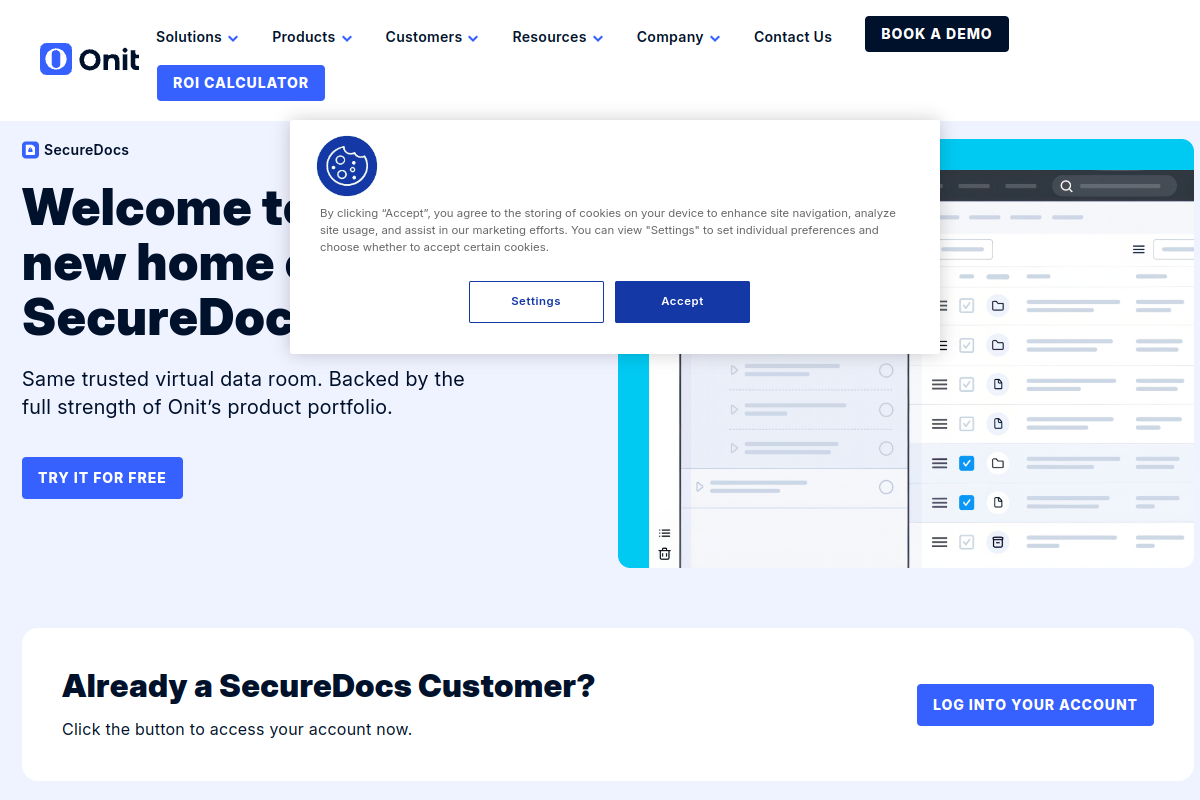
SecureDocs built its reputation on speed and simplicity, and that hasn't changed since joining the Onit portfolio. The pitch is straightforward: a data room that's ready to use in about ten minutes, with unlimited users and unlimited documents included at every tier, and flat-fee pricing that's published right on the website instead of hidden behind a sales call.
That transparency and quick setup make it a popular choice for companies running fundraising rounds, licensing deals, or M&A processes who don't want to spend the first week of a deal in onboarding calls.
Key features
- Setup in roughly 10 minutes, no sales call required
- Unlimited users and unlimited documents on every plan
- 24/7 customer support
- Audit trail reporting and activity alerts
- Customizable dashboards
- Built-in Q&A
Pros
- Genuinely simple implementation: reviewers consistently call out the fast, self-serve setup
- Transparent, flat-fee entry pricing published directly on the site
- Unlimited users and documents removes a common cost surprise with other VDRs
- Backed by Onit's broader legal-tech infrastructure and support resources
Cons
- G2 users cite a dated user interface compared to newer VDR entrants
- Limited customization options for advanced deal workflows
- Search and tagging capabilities are less advanced than some competitors
- Reporting is more basic than platforms built around deal analytics
A Senior Analyst and Valuation Expert featured in SecureDocs' own customer stories called it "the best data room I have ever used," praising quick, responsive customer service they rarely even need to contact, a sentiment echoed across several G2 and Capterra reviews that highlight low-friction setup as the platform's biggest selling point.
Pricing: Starts at $250/month (12-month plan, billed annually); $400/month on the 3-month plan.
Best for: Companies that want a simple, quick-start VDR for fundraising, M&A, licensing, and ongoing sensitive document storage.
G2 rating: 4.6/5 (50 reviews)
Capterra rating: 4.9/5 (158 reviews)

8. CapLinked
Founded in 2010 and based in the Los Angeles area, CapLinked built a name for itself powering M&A, fundraising, IPOs, and audits with a VDR that publishes its pricing openly rather than gating it behind a sales call. The company says it has powered more than $100 billion in deals and is used by 45% of Fortune 1000 companies, a claim that speaks to how deeply embedded it's become in certain corners of the dealmaking world.
Broad VDR controls, unlimited guest users, and a comparatively approachable price point make it a solid middle-ground option between bare-bones tools and full enterprise platforms.

Key features
- Tanda air dinamis
- FileProtect DRM controls
- Granular permissions and access expiration
- Built-in Q&A
- Activity tracker and audit trail
- Two-factor authentication, redaction, SSO, and API integrations
Pros
- Public pricing published directly on the vendor site
- Unlimited guest users included
- Broad set of VDR security controls for the price point
- Notable scale claims, including $100B+ in deals powered
Cons
- Smaller G2 review base than several other platforms on this list
- Some third-party listing data is stronger than current direct G2 review-detail visibility, so it's worth double-checking the latest score before deciding
- Fewer AI-assisted features than newer competitors
- Interface updates have been slower than some rivals
Capterra reviewers tend to describe CapLinked as reliable and reasonably priced for the security controls included, though the review volume is noticeably smaller than platforms like Ideals or Firmex, worth factoring in if you're weighing depth of social proof.
Pricing: Starts at $399/month (Team plan); Enterprise from $495/month or $5,000/year.
Best for: M&A, fundraising, IPOs, and audits for teams that want a dedicated VDR with public entry pricing.
G2 rating: 4.4/5 (26 reviews)
Capterra rating: 4.5/5 (122 reviews)

9. Drooms
Drooms is a European VDR provider founded in the early 2000s and headquartered in Frankfurt, Germany, with data processing kept exclusively in Germany or Switzerland, a detail that matters a lot to European deal teams navigating GDPR. It's built for M&A, real estate, fundraising, and asset lifecycle management, and it leans heavily into AI positioning with tools like the Drooms AI Assistant and Drooms Chat layered on top of the core data room.
One subscription can cover multiple data rooms, which appeals to teams running several transactions or managing an ongoing portfolio of assets rather than a single one-off deal.
Key features
- Drooms AI Assistant for deal preparation and due diligence tasks
- Drooms Chat for secure collaboration
- Granular permissions and Q&A
- Document storage and analysis
- GDPR-compliant data hosting in Germany and Switzerland
- ISO 27001:2022 certified security
Pros
- Strong European transaction focus with data residency in Germany and Switzerland
- AI-driven positioning with tools aimed squarely at speeding up due diligence
- Transparent, subscription-style pricing for the self-service Flex plan
- One subscription can span multiple data rooms
Cons
- Much smaller review base than Ideals, Firmex, or Digify, making it harder to gauge a broad consensus
- Capterra reviewers mention friction in redaction workflows
- Some reviewers note forced password changes as a recurring annoyance
- Less brand recognition outside of Europe
Capterra reviewers generally rate Drooms highly on security and platform reliability, with the redaction workflow and password-reset cadence coming up as the most common points of friction across the smaller pool of published reviews.
Pricing: Drooms FLEX starts at €17.90/user/month; Drooms TRANSACTION (Enterprise) is custom, minimum 20 users.
Best for: European M&A, real estate, fundraising, and regulated transactions needing strict data residency.
G2 rating: 4.7/5 (2 reviews)
Capterra rating: 4.5/5 (38 reviews)

10. Virtual Vaults
Virtual Vaults is a Rotterdam, Netherlands-based VDR provider built around a simple pitch: flat-rate pricing, unlimited data storage, and unlimited guest users, all published transparently instead of quote-gated.
It's positioned for corporate finance teams, accountants, advisory firms, and anyone running complex due diligence workflows who wants to budget for a data room the way they'd budget for any other software subscription, without waiting on a sales call to find out what it actually costs.
Key features
- Unlimited data storage
- Unlimited guest users
- Built-in Q&A
- Reporting and bulk actions
- Split-screen document viewer
- 24/7 support
Pros
- Transparent public pricing, easy to budget for in advance
- Unlimited data storage and guest users included on every plan
- Strong Capterra rating relative to its review volume
- Split-screen viewer is a genuinely useful touch for document comparison during diligence
Cons
- Very small G2 review base, so ratings should be read with that context in mind
- G2 reviewers mention a learning curve when first setting up a room
- Some cost concerns raised relative to smaller deals
- Limited language availability noted in a handful of reviews
Capterra feedback on Virtual Vaults skews positive, particularly around reliability and the flat, predictable pricing structure, a notable contrast to the quote-only pricing that dominates much of this list.
Pricing: Basic plan starts at €438/month.
Best for: Deal teams that want transparent flat-rate VDR pricing with unlimited data storage and guest users.
G2 rating: 4.5/5 (3 reviews)
Capterra rating: 4.8/5 (23 reviews)
Comparison Table
| Perusahaan | Best For | Core Strength | Harga | Ratings (G2 / Capterra) |
|---|---|---|---|---|
| Digify | Secure sharing with protection that follows the file after download | Persistent file protection even after download | From $140/mo | 4.6/5 / 4.9/5 |
| Ideals | Highly reviewed, easy-to-set-up VDR for M&A and real estate | Usability and review volume | Custom / contact sales | 4.7/5 / 4.8/5 |
| Firmex | Mid-market recurring deal teams | Compliance credentials and support | Custom / contact sales | 4.6/5 / 4.8/5 |
| Ansarada | Capital raising and asset sales | Transparent storage-based pricing | From $399/mo | 4.5/5 / 4.7/5 |
| SS&C Intralinks VDRPro | Enterprise M&A and strategic transactions | 25+ years of enterprise VDR experience | Custom / contact sales | 3.8/5 / 4.1/5 |
| DealRoom | M&A teams wanting VDR plus project management | Diligence request tracking built into workflow | From $1,250/mo | 4.3/5 / 4.5/5 |
| SecureDocs (Onit) | Fast, simple VDR setup | 10-minute setup, flat-fee pricing | From $250/mo | 4.6/5 / 4.9/5 |
| CapLinked | M&A, fundraising, IPOs, and audits | Public pricing and unlimited guest users | From $399/mo | 4.4/5 / 4.5/5 |
| Drooms | European M&A and real estate | AI-driven workflows with strict EU data residency | From €17.90/user/mo | 4.7/5 / 4.5/5 |
| Virtual Vaults | Transparent flat-rate VDR budgeting | Unlimited storage and guest users | From €438/mo | 4.5/5 / 4.8/5 |
FAQs
Untuk apa ruang data virtual digunakan?
A virtual data room is a secure online space used to store, organize, and share confidential documents during high-stakes processes like M&A due diligence, fundraising rounds, audits, litigation, and asset sales. It typically includes permissions, watermarking, Q&A workflows, and audit trails so deal teams can control exactly who sees what, and when.
Why look for a Datasite Diligence alternative?
Datasite's pricing isn't publicly listed and its feature set is geared toward large, complex enterprise deals. Teams running smaller transactions, wanting transparent flat-fee pricing, or needing document control that persists after a file is downloaded often find better fits among the alternatives above.
What makes Digify different from a traditional VDR?
Digify's biggest differentiator is persistent file protection even after download: access permissions, expiry, and revocation stay attached to a document instead of ending the moment a file leaves the platform. Most VDRs, including Datasite, focus control primarily on the in-room viewing experience rather than what happens after a file is downloaded.
How much do virtual data rooms typically cost?
Pricing varies widely. Some vendors, like Digify, SecureDocs, and CapLinked, publish flat-fee or tiered pricing starting well under $500/month. Others, like Datasite, Firmex, and Intralinks VDRPro, only offer custom quotes based on deal size, storage, and features.
Are these ratings and prices up to date?
All ratings and pricing figures in this article were pulled from vendor pricing pages and current G2 and Capterra listings at the time of publication. Vendors update pricing and reviews accumulate over time, so it's worth checking each platform's live pages before making a final decision.
Conclusion
Every platform on this list can move a deal forward, but they don't all protect your documents the same way once those documents leave the room. That's the gap Digify closes.
Persistent file protection even after download means the control you set up at the start of a deal doesn't evaporate the moment someone hits save. It's still there weeks or months later, whether that file gets forwarded, copied, or forgotten on someone's desktop.
Combine that with transparent pricing, fast setup, and consistently strong ratings on both G2 and Capterra, and Digify comes out as the strongest overall choice among the alternatives covered here, including against Datasite Diligence itself. If document control that actually follows the file matters to your deal process, Digify is the one to start with.
Ready to Take Control of Your Deal Documents?
See why deal teams choose Digify for secure document sharing and persistent file protection that doesn't stop at download. Start a free trial or explore Digify's plans today at digify.com.